
That meeting could've been a Lookie
Record your screen, share a link, and let people watch and respond on their own time. No meetings, no long emails. Just show what you mean. That's Lookie.
Start free. Upgrade when you're ready.
Sound familiar?
Long messages no one reads
You write a careful explanation, add screenshots, send it… and still get a reply asking "can you show me?"
Record it with Lookie — everyone sees exactly what you mean.
A call for a 3-minute task
You need to show something quick, but the only option is scheduling a 30-minute meeting with everyone.
A short Lookie replaces the call. They watch when they can.
Different schedules, slow answers
Your colleague is in another city or just busy right now. You need their input but have to wait hours — or days — for a reply.
Send it through Lookie — they respond when it works for them.
What makes Lookie different
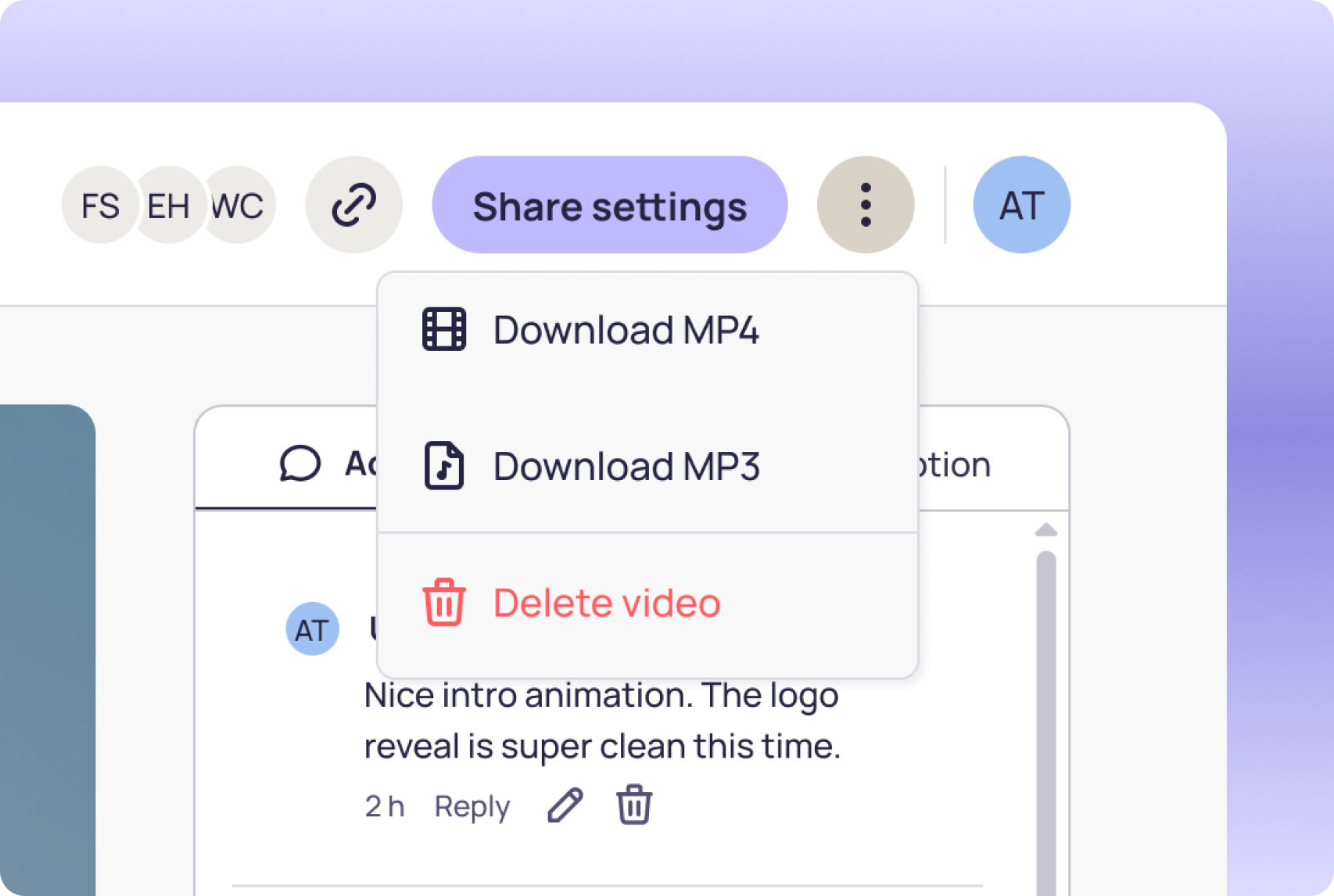
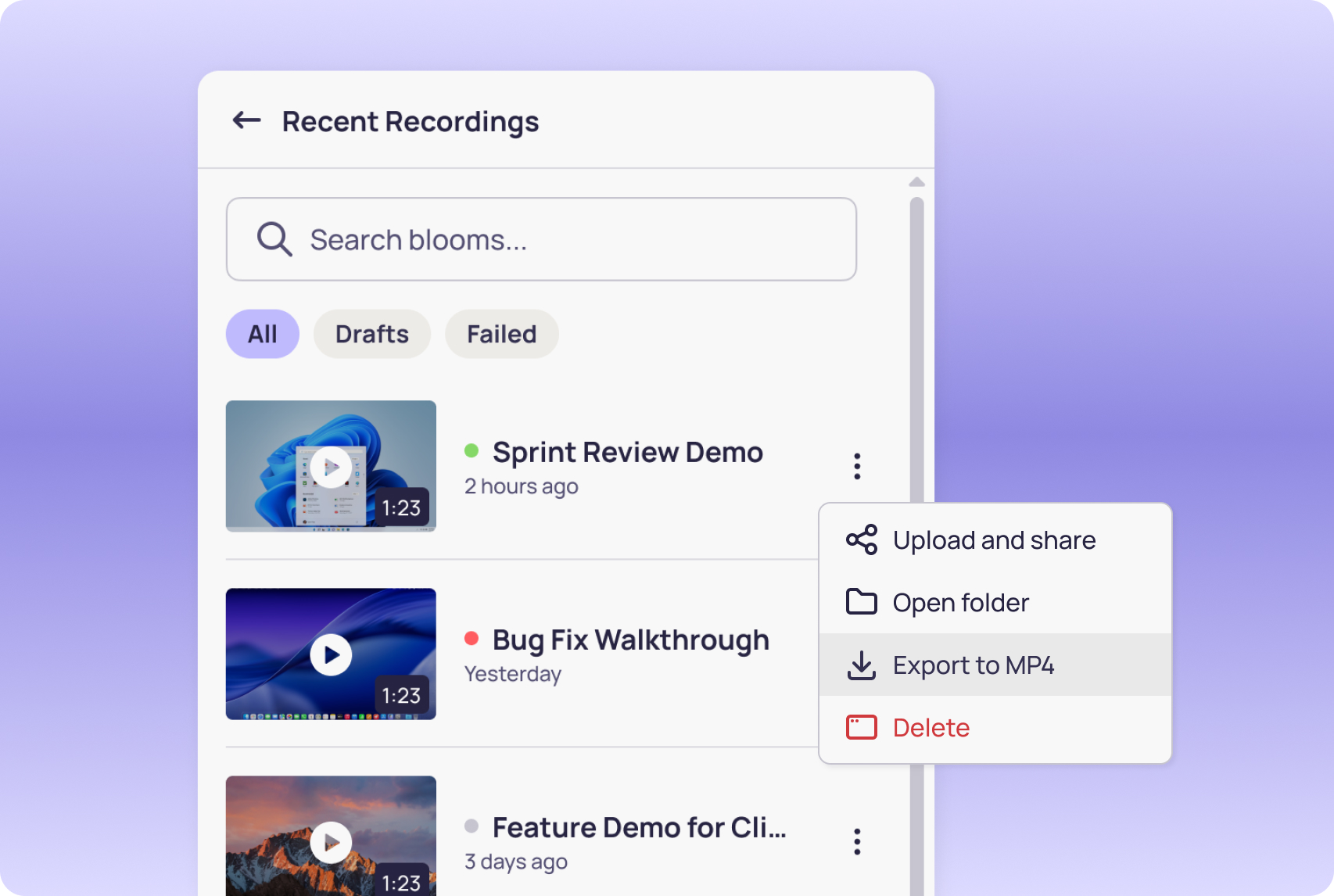
Share, get feedback, move on. Lookie isn't a video library — it's a space for quick, focused exchanges. Your workspace stays clean because that's how it's meant to work.
You can save every recording on your Mac or PC in high quality before anyone sees it. Edit it in any app, use it for a larger project, keep it forever. On Lookie, you trim and share. On your computer, the possibilities are yours.
Stop repeating the same update in every chat, call, and email thread. Record it once, send it anywhere, and everyone watches with full context — not a summary.

Every recording becomes a conversation
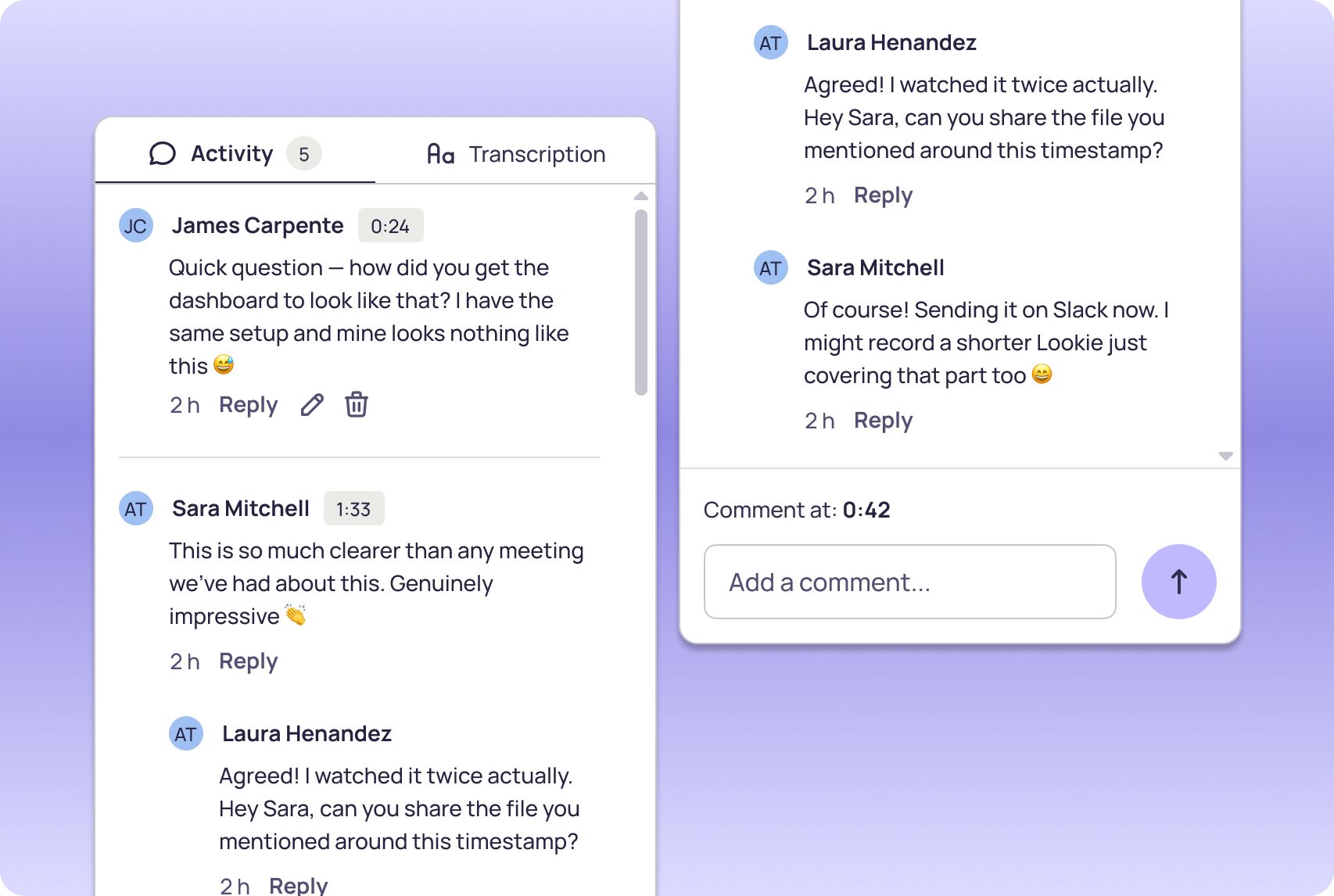
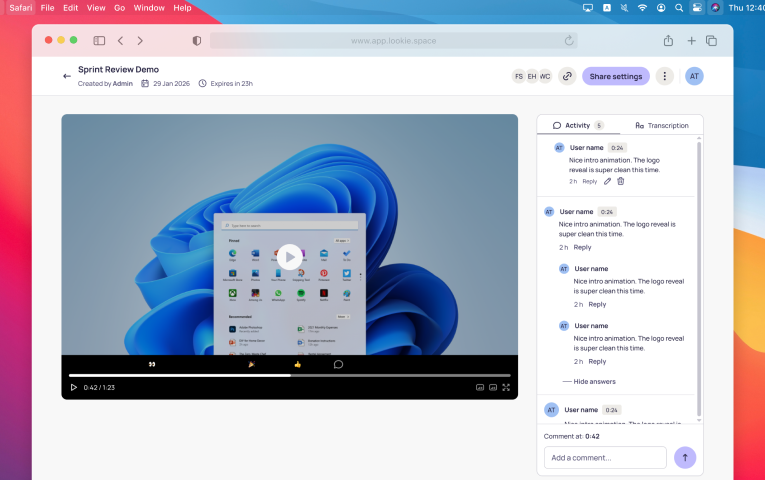
Lookie turns a screen recording into a conversation space. Your team watches on their time, reacts with emojis, and comments at the exact moment that matters.

Unlimited recording on your Mac
Record your screen from the Mac app — Free or Pro. No time caps, no watermarks, no limits. Save drafts locally and record as much as you want.

Team spaces
Create groups for different teams or projects. Share recordings with the right people, keep conversations organized.

Every word, written down
Generate a transcription for any recording. Copy it, share it, turn it into a doc — every word, ready to use.
Clutter-free with auto-clean up
Videos expire on purpose. Lookie keeps your workspace focused on what's happening now. Download what matters, let the rest go.
Threaded discussions at every moment
Click on a moment. Leave a comment. React with an emoji. Start a thread. Context is never lost because it lives right where it happened.
Instant shareable links
Every recording gets its own link. Send it by email, by chat, however you prefer. Anyone can watch it — no account needed.
One link. Zero complications.
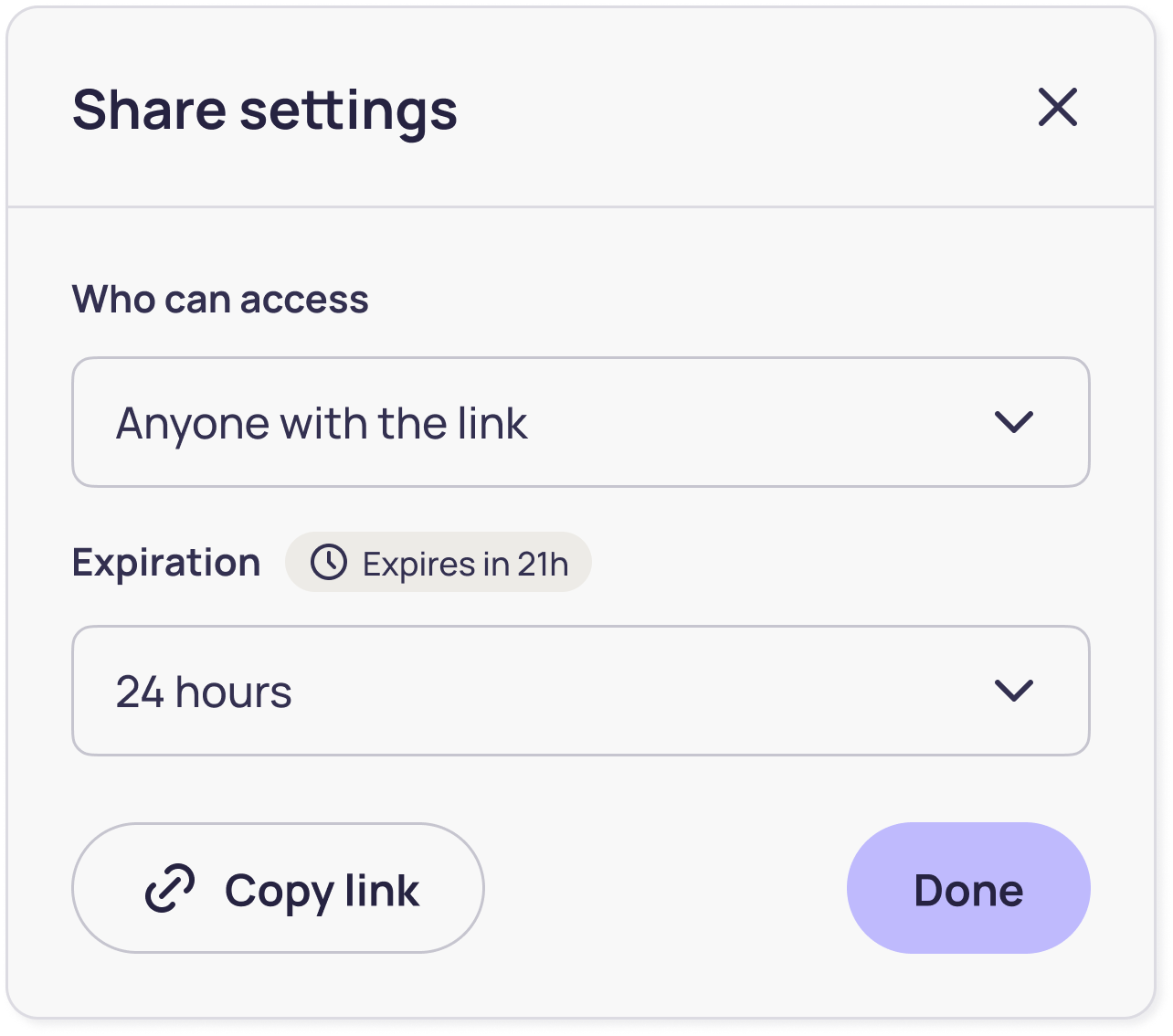
The Lookie Experience
On your Mac or PC
Record your screen, edit, and prepare your video before anyone sees it. Take your time, save drafts, and share only when you're ready.
- Record as many videos as you want
- Trim and edit before sharing
- Save drafts on your computer
- Share with one click when it's ready
On the Web
Share short, focused videos — up to 60 minutes. Your team watches, comments at the exact moment, and reacts. Once everyone has responded, the video has done its job.
- Share videos with a link
- Comment and react at any moment
- Organize your groups
- Works on any phone, tablet, or computer
How Lookie works
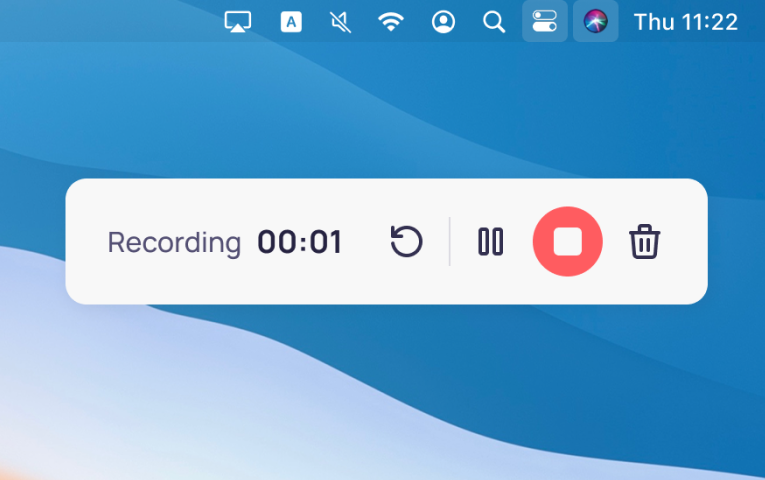
Record
Record what's on your screen. One click to start.
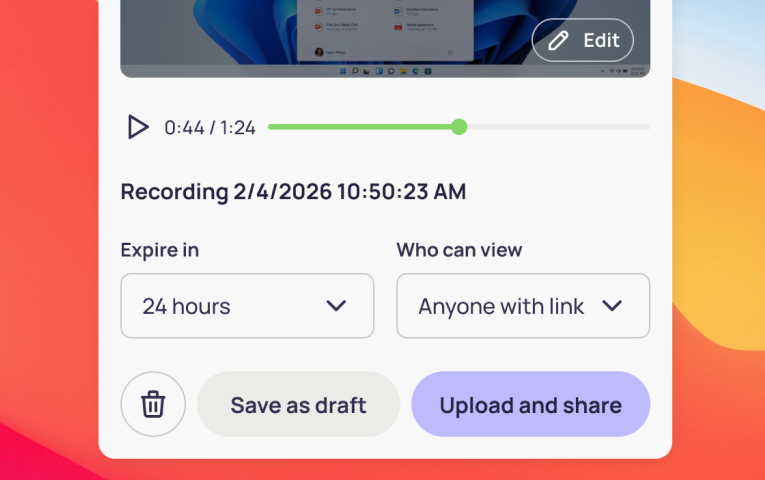
Share
Get a link instantly. Send it by email, by chat, however you prefer.
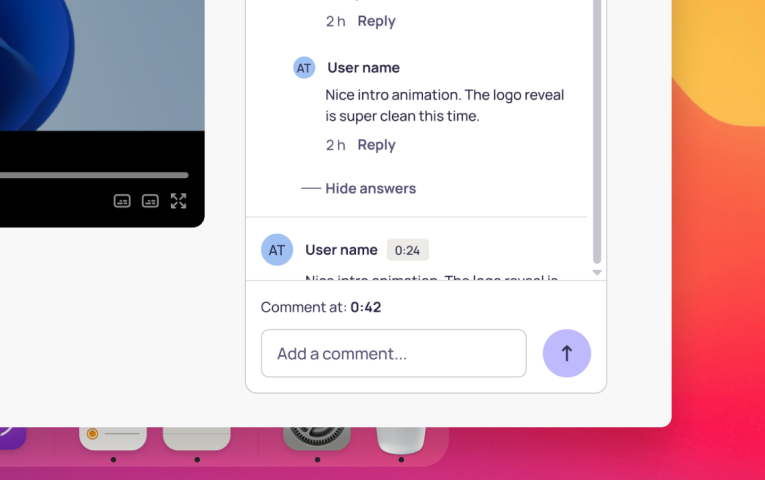
Discuss
Your team leaves comments at specific moments in the video. Everything stays organized.
Done
Keep the conversation going in the same place. No extra meetings, no lost messages.





For anyone who needs to show their work
Walk prospects through proposals, demos, or pricing on screen. They respond when it works for them — and you follow up with context, not cold calls.
Share updates with your team in a way that feels personal. More human than a document, more flexible than a call.
Record lessons, give feedback on assignments, or explain exercises step by step. Students ask questions at the exact moment they got confused.
Show your team the campaign, the deck, the creative — right on screen. Feedback lands exactly where it matters, not buried in a reply chain.
Send the deliverable with context built in. Clients see your thinking, leave questions at the right moment, and you never have to schedule a call just to explain a slide.
Fair pricing
Because we believe tools should be accessible
Free forever
On your computer
- Record as many videos as you want
- No time limit
- Save drafts on your computer
Share with your team
- Watch, react and reply to videos
- Join groups
- ✦ Try sharing with 3 free videos on us — no credit card needed.
billed monthly
On your computer
- Record as many videos as you want
- No time limit
- Save drafts on your computer
Share with your team
- Share as many videos as you need
- Videos stay up to 30 days
- Watch, react and reply to videos
- Create & organize groups
Don't take our word for it






Questions you probably have
When recording on your computer, record as much as you want — no time limits, no watermarks. When sharing, Pro lets you upload videos up to 60 minutes. Free goes up to 30.
Within Lookie, you can trim your recording before sharing. For anything beyond trimming, export it to your computer and edit it in any app you like.
Anyone with the link can watch without signing in. To comment, react, or download, they'll need a Free account — no payment required.
Every video gets a unique, unguessable link. Only people you share it with can find it. Videos shared in a group are visible to group members only. You control who sees it.
Yes. You need an account to download — Pro or Free both work. Sign in and you can download any shared video in MP4 or MP3. If you recorded it yourself, you can also export it from the app, even if it's a draft.
Shared videos expire on purpose — it's how Lookie keeps your workspace clean and focused on what's current. When sharing, you choose how long the video stays up: 24 hours or 7 days on Free, or up to 30 days on Pro. Once a video expires, you have 7 days to restore it before it's gone for good. If you want to keep something beyond that, download it — that file is yours forever.
Yes — no payment, no credit card, no catch. With a Free account, you can watch every video shared with you, leave comments, react, read transcriptions, and download. You can also belong to groups and access all the videos shared there. You can also share up to 3 of your own videos to try Lookie out — up to 30 minutes each, staying up for 24 hours or 7 days.
Pro is the full Lookie experience. Share as many videos as you need — no more sharing limits, up to 180 minutes of total uploaded video — and once a video expires, those minutes free up again. Record longer, up to 60 minutes per video. Keep your videos up for up to 30 days. Create groups to share videos with your team and collaborate in one place.
Yes. No contracts, no commitments. Cancel whenever you want — you keep Pro access until the end of your billing period. Payments are processed securely by Stripe.
Every recording you've saved to your computer is yours — always. Shared videos on the web will follow their normal expiration, and new videos will follow Free limits from then on. Your work is never lost.
The desktop app is available on Mac and Windows. To watch, comment, and collaborate, any modern browser works — on any device.
We're happy to help. Reach out at lookie@pixelspace.com and we'll get back to you.
Ready to cancel your next meeting?
Download Lookie and share your first video in under a minute.